Welcomin offers a flexible and secure access system, allowing company users to easily log in to the platform to manage their activities.
There are two main access methods: using personal credentials (username and password) or through Single Sign-On (SSO) with Azure for greater corporate integration.
Company users can authenticate on Welcomin by choosing between:
- Access via username and password
- Access via Azure SSO
Access with username and password
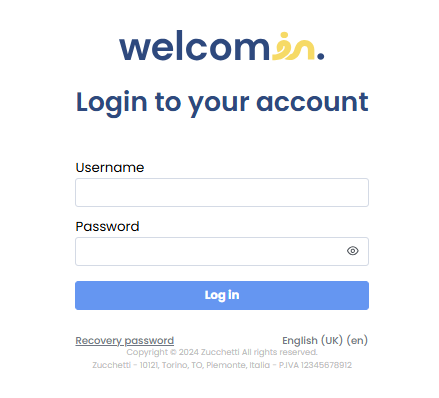
This is the traditional authentication method. To log in, company users must:
- Enter their email address and password on the login page.
- The password will have been previously set using the link received during account creation.
By navigating to Settings > Privacy and Security > Password Rules, you can set password policies for both company users and individuals.

Access via Azure SSO
Alternatively, you can enable access through Azure Single Sign-On (SSO), ensuring greater integration and security for users.
SSO Access Configuration
To enable this option, you need to complete the initial setup by going to:
Settings > Privacy and Security > SSO Configuration > SSO Setup, where you must enter:
- Client ID
- Client Secret

Once configured, company users will have both options available on the login page and can choose their preferred authentication method.
Welcomin provides flexibility and security in access, allowing company users to operate without complications.
Was this article helpful?
That’s Great!
Thank you for your feedback
Sorry! We couldn't be helpful
Thank you for your feedback
Feedback sent
We appreciate your effort and will try to fix the article