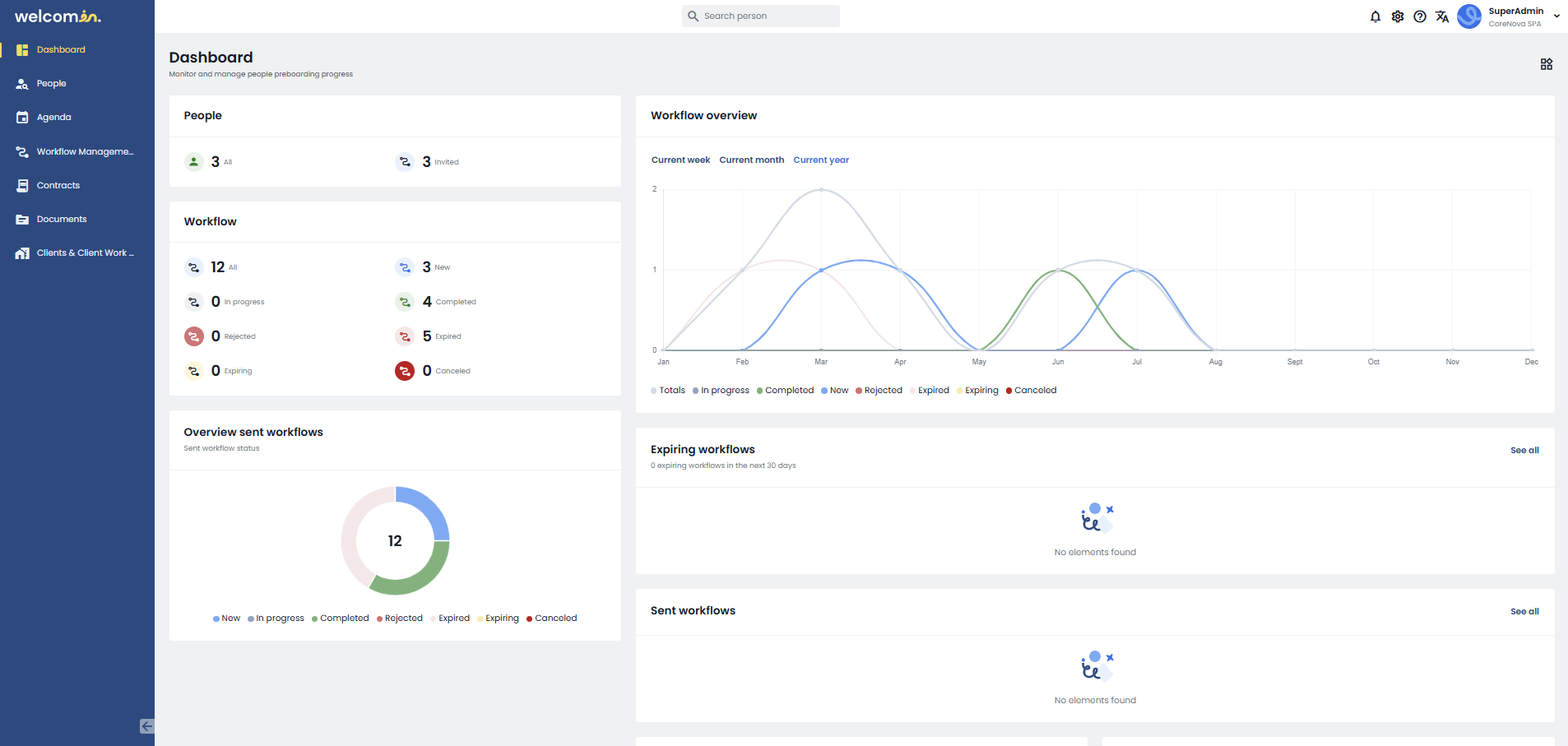
The Dashboard is the home page of Welcomin, the central hub where you can get a complete overview of the system’s functionalities. It consists of Widgets (rectangular boxes) that display:
- Statistics related to both people and workflows.
- Data related to the latest people added and workflows.
You can manage the visibility of widgets by clicking the icon  in the top-right corner. From there, simply select or deselect the corresponding buttons to enable or disable individual widgets.
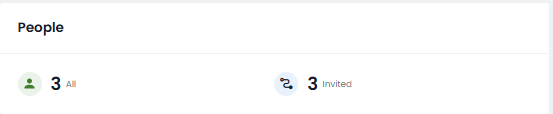
The People statistics in Welcomin show the number of active People and those invited to workflows for each month:
The following statistic provides an overview of the relationship between the number of workflow subscriptions and the number of ongoing workflows.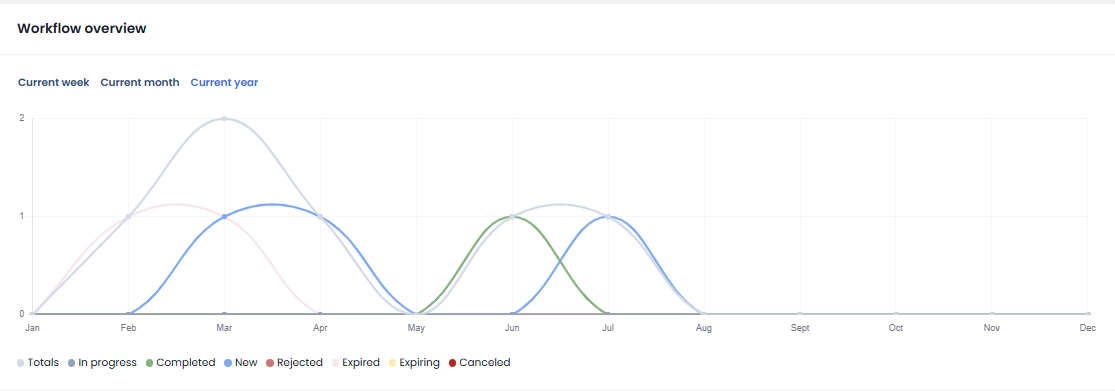
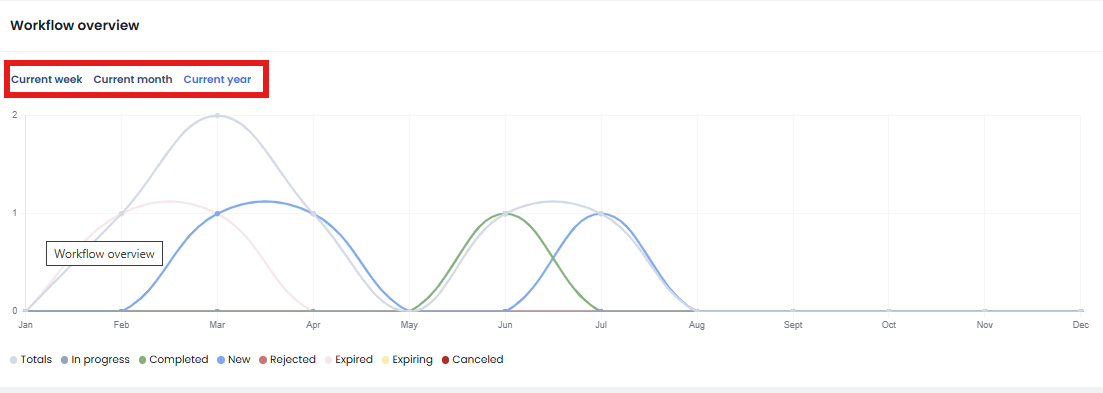
This statistic can be filtered by the current Week, Month, or Year simply by clicking on the corresponding label:
All other statistics, instead, refer to the last 30 days.
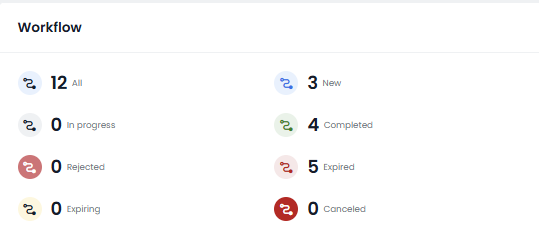
The Workflows statistic provides information about the workflows sent in the last 30 days and their current status: Not Started, In Progress, Completed, Cancelled, or Expired.
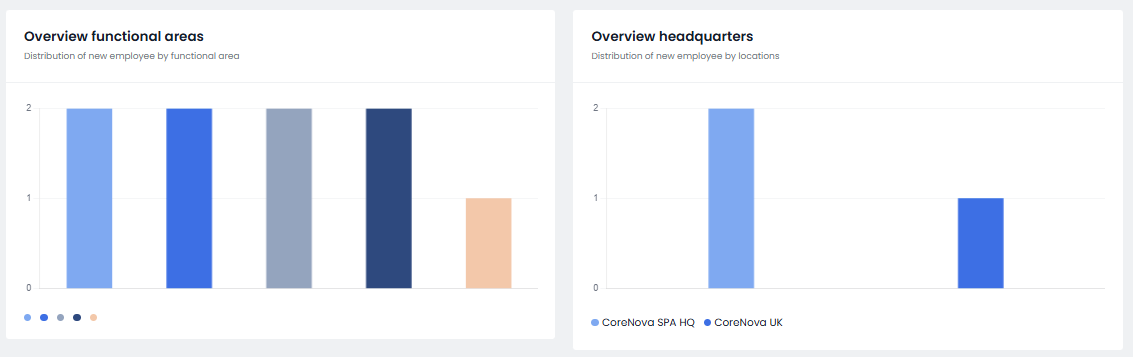
 The Function Area Overview and Headquarter Overview statistics provide insight into the distribution of new employees based on their function area characteristics or their headquarter:
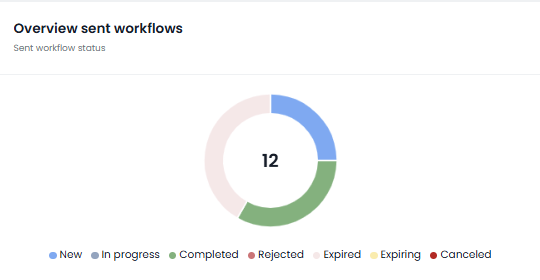
 Below, you will find an overview of the workflows that have been sent, allowing you to see their current status:
and which workflows are due to expire within the next 30 days:  Finally, the last widget provides a view of the most recently sent Workflows:
- Person's full name
- Contact email address
- Location
- Job title
Was this article helpful?
That’s Great!
Thank you for your feedback
Sorry! We couldn't be helpful
Thank you for your feedback
Feedback sent
We appreciate your effort and will try to fix the article